
This article will encompass essential steps such as configuring your account with appropriate language, timezone, and currency settings, as well as recommendations for setting up digital loyalty cards.
Once you’ve created your free DRC Trial, here are the first steps you should make:
- You must complete your profile here:
- Add your company logo as the profile photo
- Set the country code for your phone number
- Set your preferred date format
- Set your default country
- Set your default language
- Set your timezone
- Set your country’s currency
- Create your desired Loyalty Card here:
- Choose between Rewards (points), Cashback, Discount, Stamp, and more
- Configure your reward levels and set the terms
- Add your feedback links and contact links to the card
- Test installing the card on your phone and sending Push Notifications
- Use a different mobile device to login to your DRC account and open the scanner app
- Scan your digital card and apply points, try Kiosk mode and customer lookup by last 4 digits of phone number
- Check all settings and terms thoroughly
- Do not activate the card until you have confirmed that no changes need to be made
- Once a card is activated, some settings and terms cannot be changed. If need be, you can duplicate the card and make any adjustments
- Create a Coupon Card here:
- This card will be used to onboard your customers to your loyalty program
- In the card settings, link this coupon card to your loyalty card
- Give a big discount based on minimum purchase. ie, Save 40% on your next purchase over $50
- You’ll promote this card and your Loyalty program details via social media, email, sms, and in-store QR codes. You can create UTM tracking links to track which source has the best conversion
- Customers will install your coupon card
- When they redeem the coupon, the card will automatically switch to your loyalty card
- They can start accruing points, discounts, cashback, etc
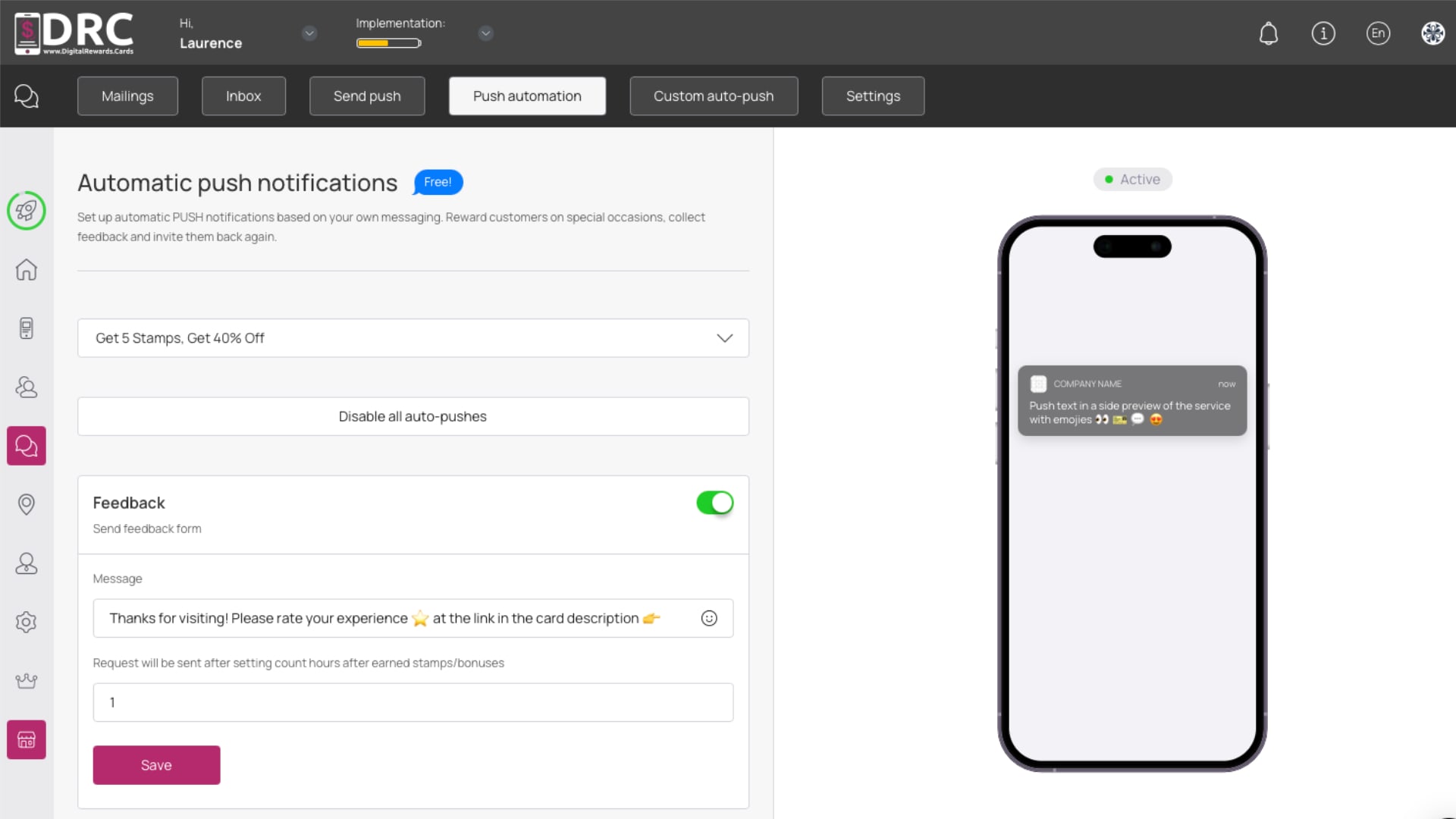
- Set your default Auto-Push Notifications here:
- You’ll want to customize the default auto-push notifications to match your style
- You can set default notifications for Google Review, birthday discounts, next visit reminder, referral program, and RFM Analysis.

